RegStacker
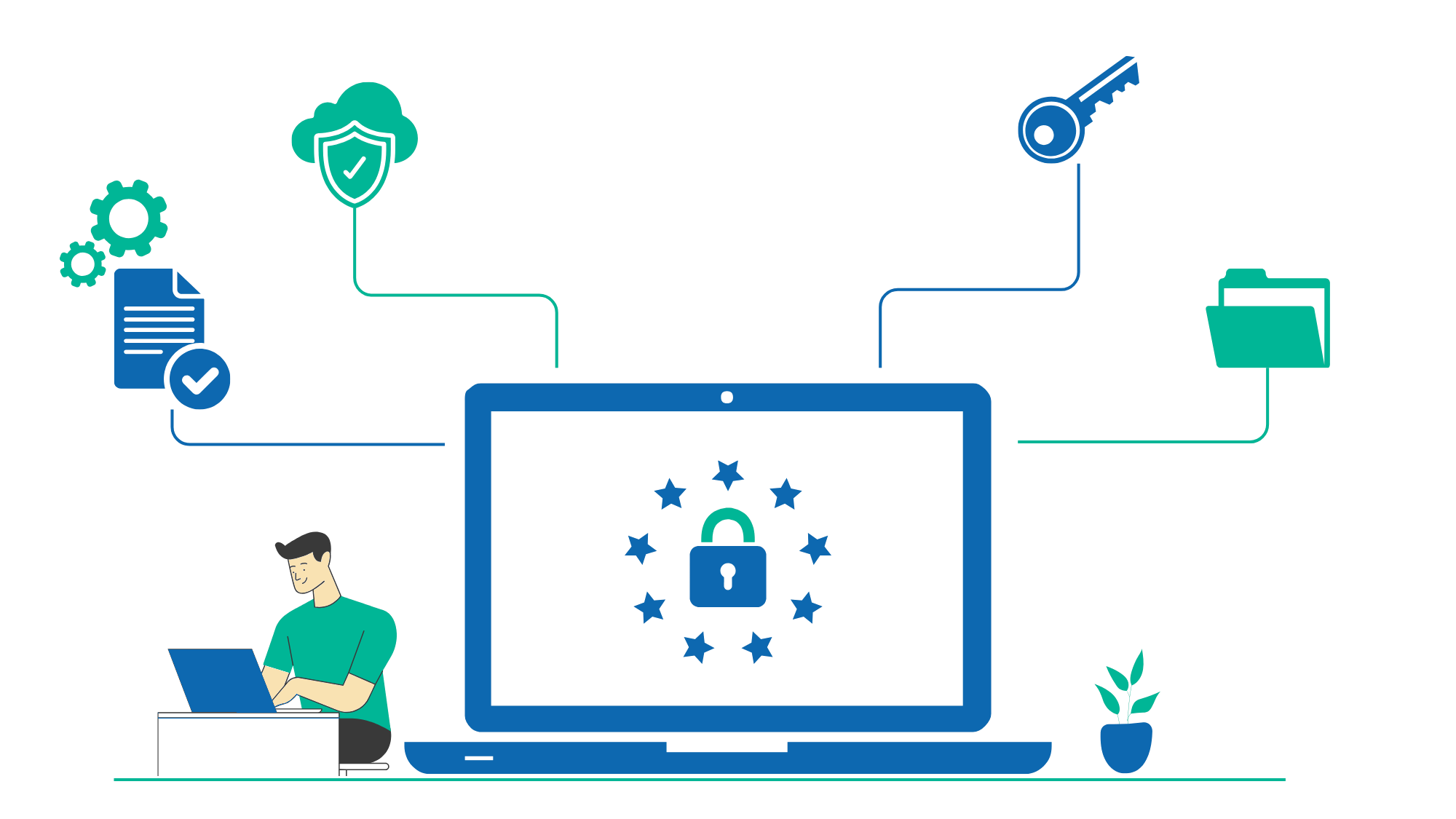
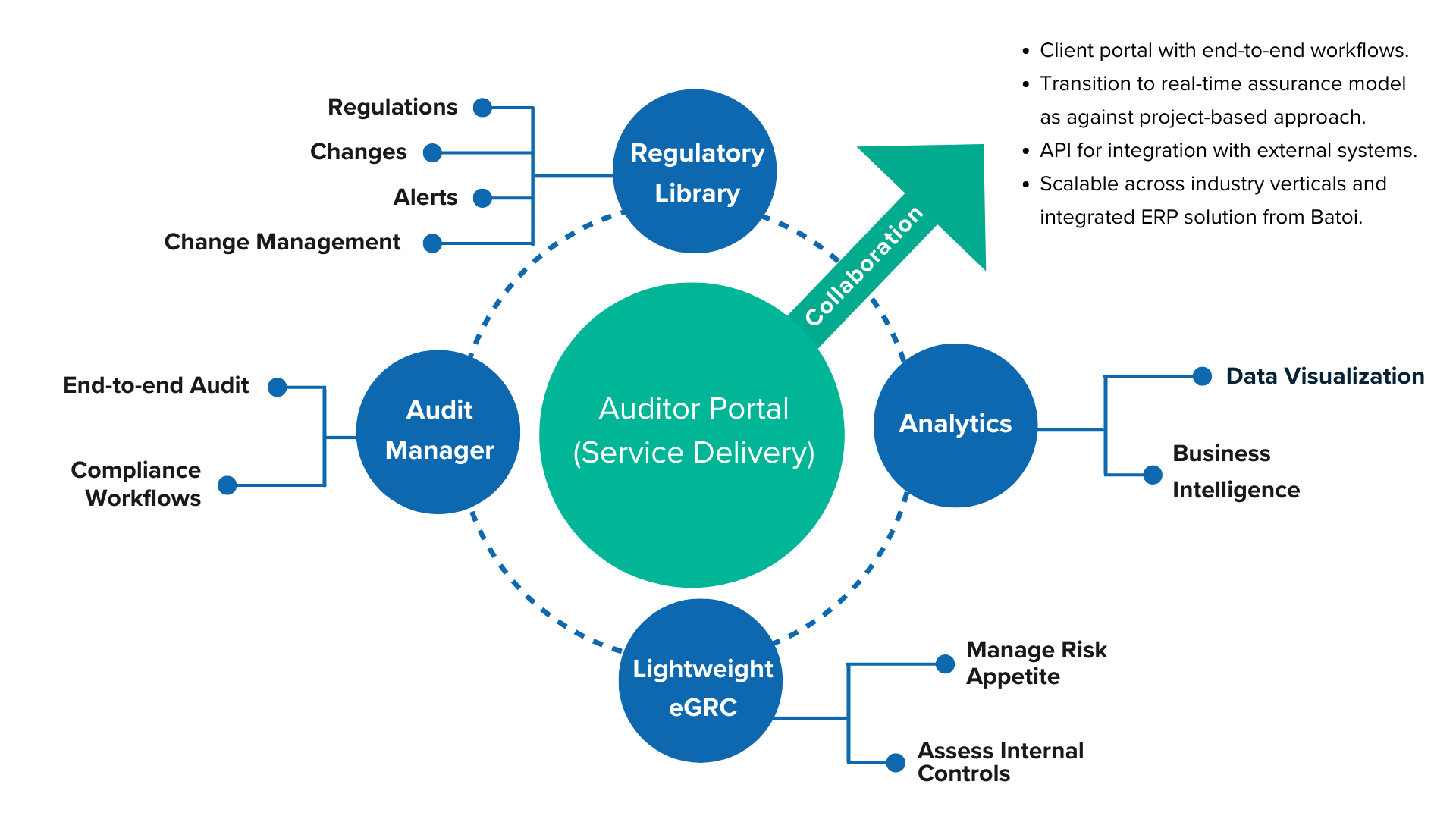
Regstacker enables organizations to securely manage the delivery of audit, compliance, and regulatory services.
BCube RegStacker - Transforming Audit, Risk, and Compliance Management with AI-Driven
Solutions.
Empowering organizations to seamlessly manage audits, risk, and compliance with a comprehensive suite of AI-enhanced tools. BCube RegStacker streamlines policy management, document reviews, and workflows, integrating a growing regulatory database, real-time analytics, and collaborative platforms for enhanced productivity and compliance.

Audit and consulting firms can collaborate with auditees digitally across any process with
end-to-end workflows.
Consistent and uniform process across regulatory change management, compliance, audit, and
supervisory reviews.

Real-time reporting on risk, compliance, and audits for the executive management.
Advantage RegStacker
| GRC Process with Contemporary Applications | GRC Process with RegStacker | |
|---|---|---|

Technology
|
Maintenance-heavy, costly range of technologies including the use of home-grown Spreadsheet and Email | The complete solution includes Cloud/Browser-based (heterogeneous) UX with a powerful, secure relational database backend |

Automation / AI
|
Manual client-specific processes using disparate tools | SaaS platform focused on uniform delivery of real-time audit, compliance, and regulatory services |

Communication
|
General-purpose tools such as Email with attachments are used to provide LoB (Line of Business) communications and data handling | Automatically managed, secure collaboration (be it Inter-Department or Inter-Agency) includes both process and content |
Process Management
|
Manual and separate | End-to-end, real-time workflow management with built-in alerts, notifications, and collaborative features |

Delivery of Regulatory Content
|
Manual or (costly) integrated 3rd-party system access to Regulatory Library - standard content only | Integrated and automatically maintained RegLibrary with support for both standard and custom content to track and manage all risks and compliance |

Scalability
|
Proprietary / non-scalable | Infinitely scalable and uniformly applied solution |

Maintenance Enhancements
|
Costly maintenance and enhancements beyond core expertise | Controlled, secure, automated maintenance and enhancement releases are all included |
Smart Governance and Assurance
- Improve efficiency with a streamlined compliance process across the organization. Document your policies and procedures, link them to the rules library, and receive notifications to review as the rules evolve.
Multiple Ways of Using BCube Analytics
- SaaS-based plans are available for small and medium-sized organizations.
- Large banks, financial institutions, and audit firms may opt for Private deployment.